

Drop authenticated customers straight into the portal
Once a customer is signed in to your own app, hand them off to the hosted Nomos portal as a fully logged-in user. Your backend calls Create a magic link with the customer’sid, gets back a short-lived URL, and redirects the customer there. The portal verifies the token, creates a session, and reuses it on subsequent visits until the session expires.
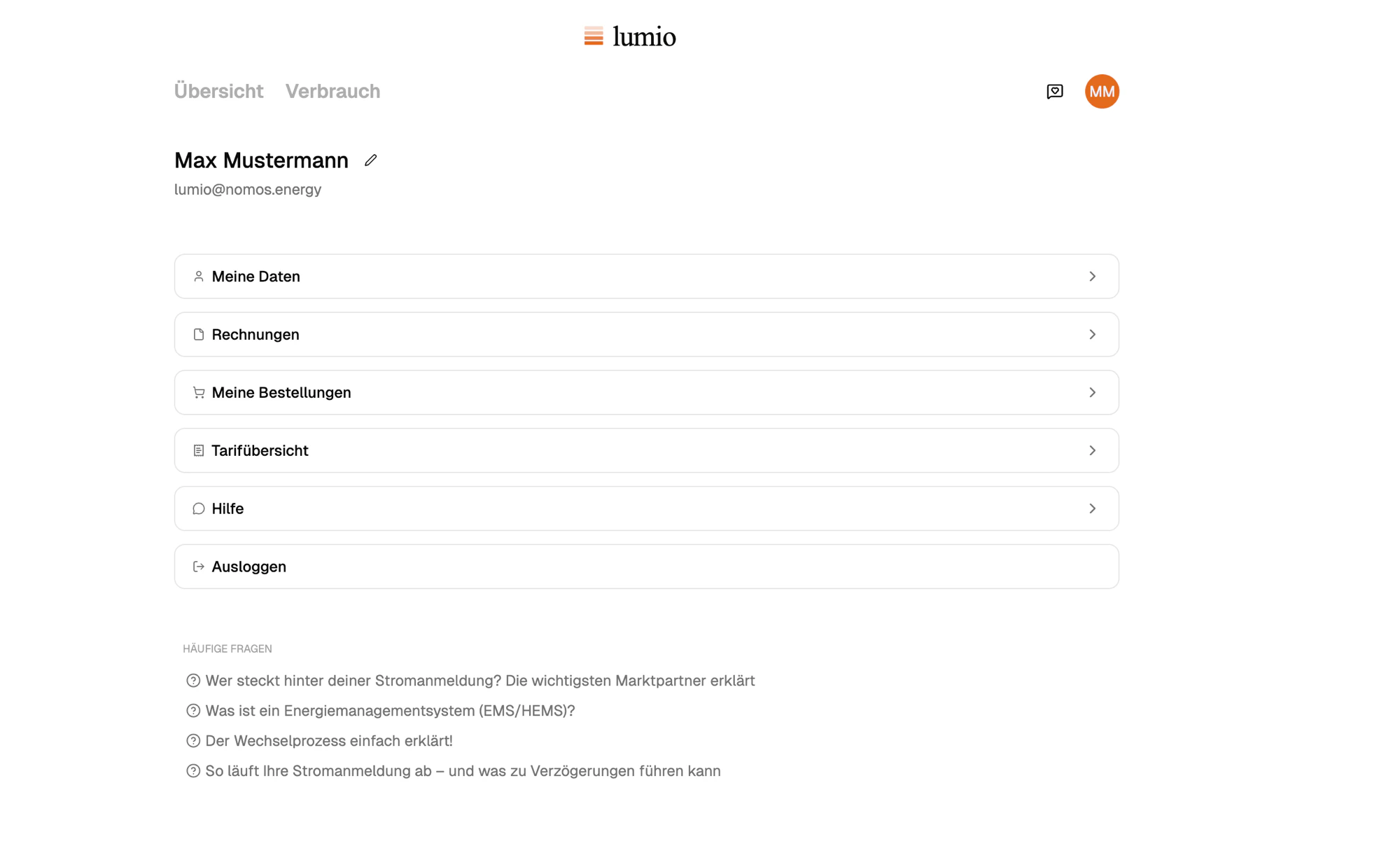
Customer clicks an entry point in your app and lands signed in to the portal
Where to mint and where to redirect
The endpoint is server-only. The resulting URL is safe to send to the browser; the access token used to mint it is not. The simplest pattern: a handler in your app mints the link and redirects./portal; every click mints a fresh, single-use URL.
In a mobile app, mint from your backend and open in an in-app webview (SFSafariViewController on iOS, Custom Tabs on Android, a WebView in React Native). The customer stays inside your app shell while the portal renders inside.
If the customer exists on Nomos but has no subscription yet, the response URL
points at the hosted checkout for your plan (
/start) instead. The same call
always lands the customer in the right place.FAQ
Where do I get the customer's Nomos ID?
Where do I get the customer's Nomos ID?
Fetch the full record of the subscription and use
subscription.customer.
Use the subscription.created
webhook when a subscription is first created to get the subscription id.
Persist it on your user record.Can I deep-link past /overview?
Can I deep-link past /overview?
Yes. The URL accepts a
next path (e.g. /invoices/inv_abc); the portal
redirects there after sign-in.What happens if the customer is signed out elsewhere?
What happens if the customer is signed out elsewhere?
Magic-link sessions are independent of any other Nomos sessions. Signing out
on one device or expiring a session won’t affect a separate magic-link
session minted from your backend.