

Get customer-consented access via OAuth 2.0
Standard authorization-code flow with PKCE. Your app (a HEMS, an EV charger, a home-automation hub) redirects the customer to/oauth/authorize with your client_id and pre-registered redirect_uri. After they approve on a Nomos-hosted consent page, your backend exchanges the resulting code at /oauth/token for a short-lived access token plus a rotating refresh token.
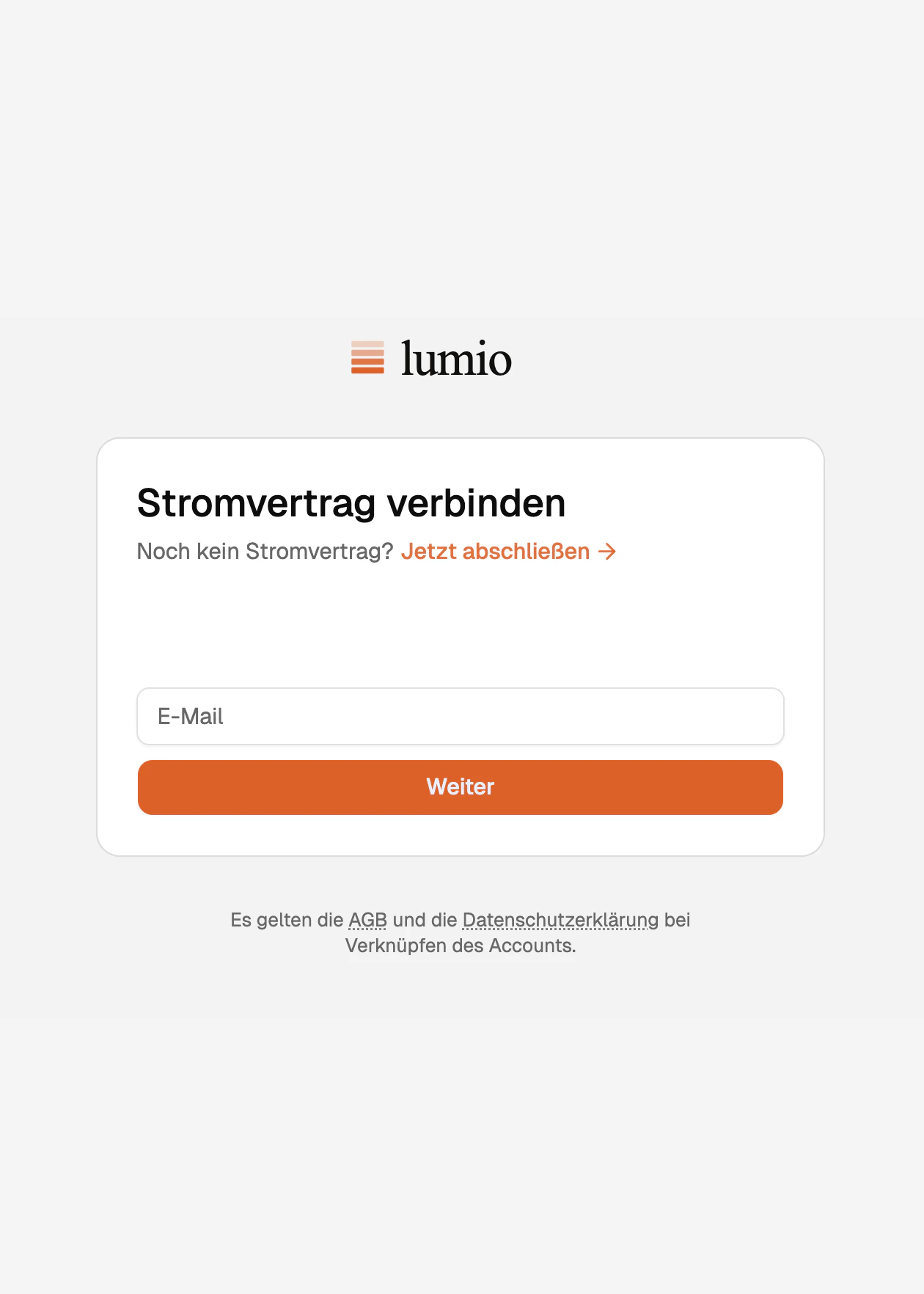
Step 1: customer enters their Nomos email
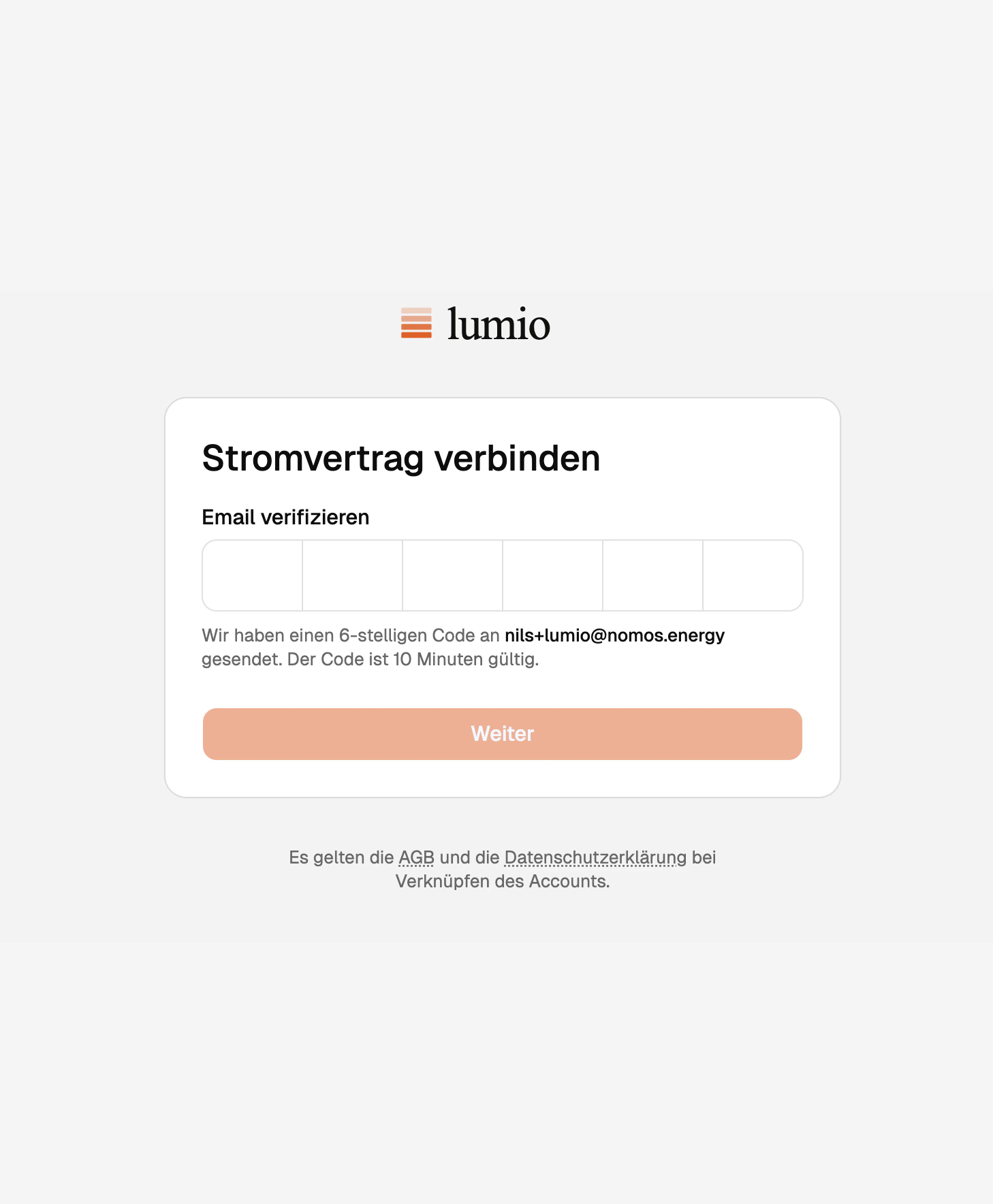
Step 2: customer enters the one-time code
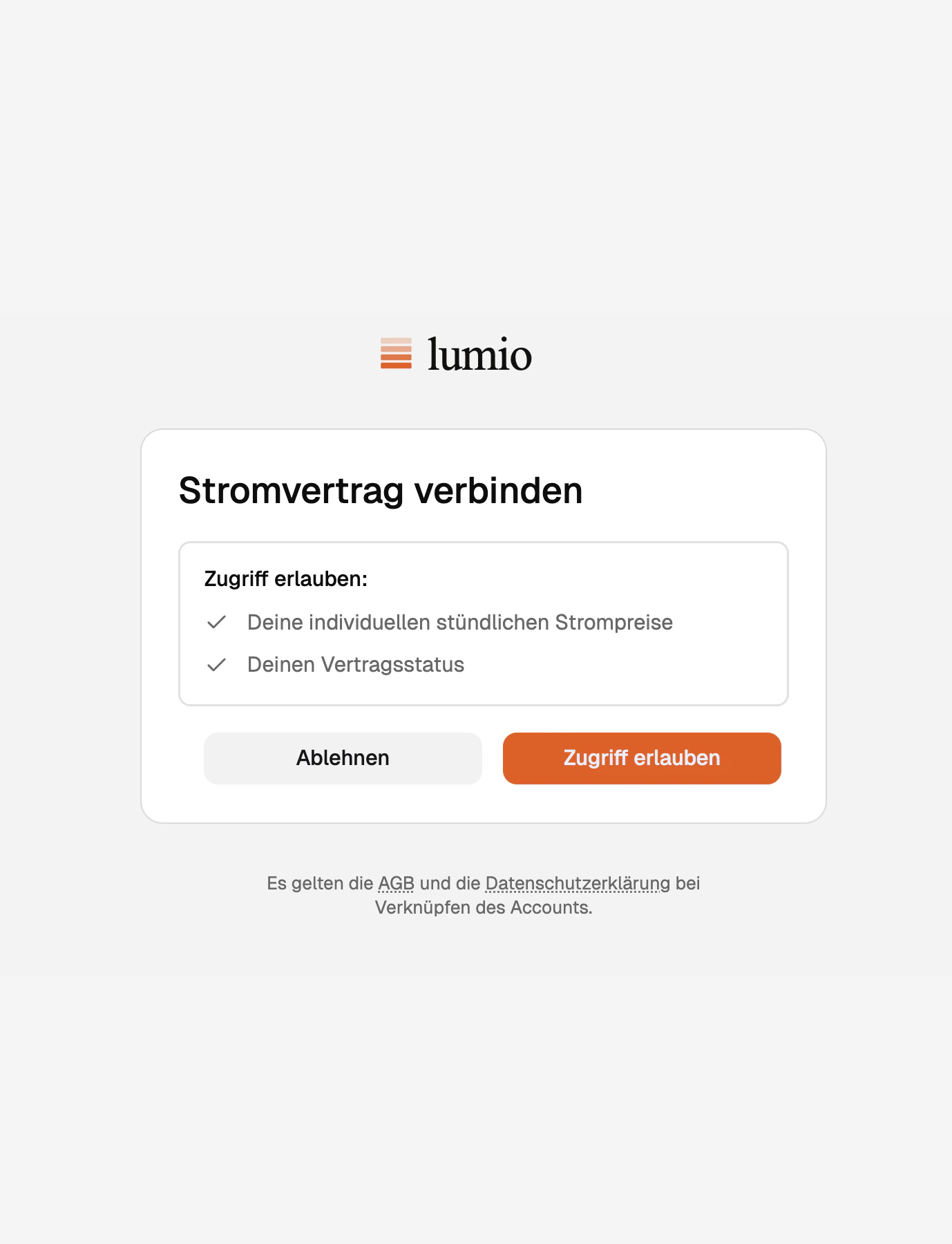
Step 3: customer grants the requested access
What you can do with the access token
Tokens minted through this flow are scoped to a single customer. They authorize the same read endpoints the customer sees in their portal: subscriptions, prices, consumption, invoices. Writes are limited to usage data for that customer’s subscriptions: Create a meter reading and Create a load forecast. Access tokens last 60 minutes. Refresh tokens rotate on every use, so always persist the new one and call/oauth/token again before the access token expires. For full request and response shapes, including PKCE details, see Authentication.
Once you have tokens, continue with Load shifting and optimization to pull prices and drive flexible loads.
FAQ
Why PKCE if I'm exchanging on the server?
Why PKCE if I'm exchanging on the server?
PKCE protects the authorization code from interception in transit, even on a
server-to-server flow. It costs nothing to add and closes a class of
redirect-URI attacks.
What happens when a refresh fails?
What happens when a refresh fails?
An
UNAUTHORIZED response means the customer has revoked access (or the
refresh token expired). Send them through /oauth/authorize again to mint a
fresh pair.Can I refresh from the browser?
Can I refresh from the browser?
No. Refresh tokens must stay on the server. Build a thin endpoint on your
side that proxies the refresh and hands the new access token to the client
if needed.